
db8 Backend Content Images
Available Languages
- English (en-GB)
- Dutch (nl-NL)
- French (fr-FR)
- German (de-DE)
- Spanish (es-ES)
Installation
Install like any other Joomla 4 or Joomla 5 plugin.
Configuration
After installation, configure the plugin via:
- System > Plugins > select Content - db8 Backend Content Images
- Under Backend Article Images configure if you want to display Intro Images from Articles (or placeholder) and the maximum width and height.
- Under Backend Category Images configure if you want to display Category Images (or placeholder) and the maximum width and height.
- Save the plugin
Result
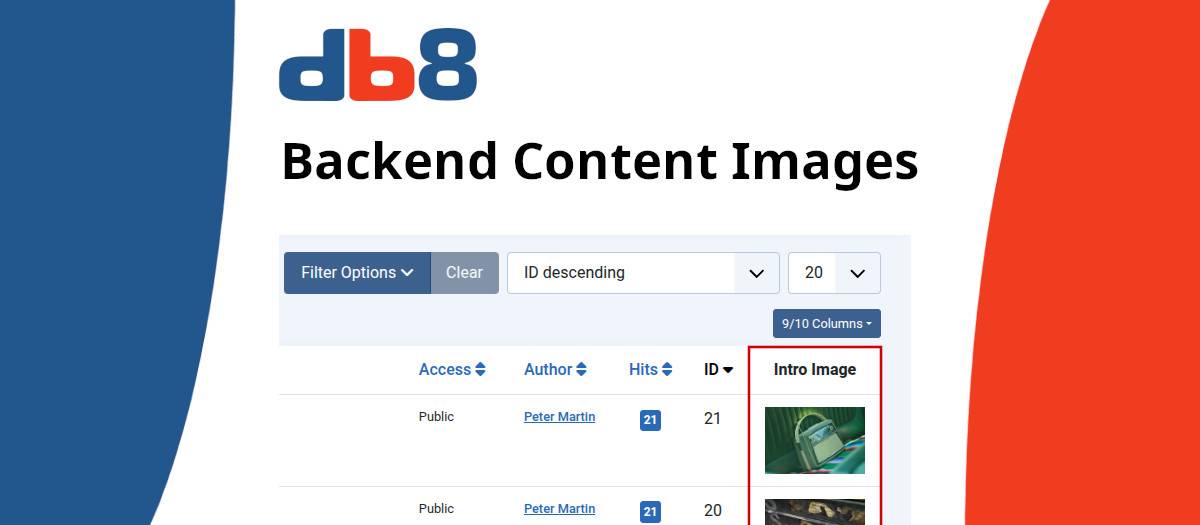
In the backend lists of Categories and Articles will display an image (or placeholder) if they contain any.
Changelog
28-Jan-2025 : v1.0.3
- Fixed link to update.xml
27-Jan-2025 : v1.0.2
- Initial release
Plugin to display images in the back-end Article and Category lists, making it easy to see which items have images or not.
Extension Data :
- Compatibility :
- Joomla 3.xYes
- Joomla 4.xYes
- Joomla 5.xYes
- Joomla 6.xYes

