
Mx Swiper
Style settings
Height at your choice
Fade on scroll down
Slider effect - Fade, slide, cube, coverflow and flip
Dark layer - Yes/No
Keyboard control - Yes/No
Custom CSS
The pro version includes
Articles
Select Category
Child Category Articles - Include / Exclude
Category Depth
Tag selection
Featured Articles - Only / Hide / Show
Article Field to Order By - Article Manager Order / Featured Articles Order / Hits / Title / Id / Alias / Created Date / Modified Date / Start Publishing Date / Finish Publishing Date / Random
Ordering Direction - Descending / Ascending
Count
Open Link - New Window / Same Window / Popup window
Article Custom fields - Yes / No
Category Title - Yes / No
Item Title - Yes / No
Title Max length
Description display - Yes / No
Description Max length
Date display - Yes / No
Date format
Show Read More
Images settings
From Image Intro - Yes / No
From Image Full text - Yes / No
From Inline Intro text - Yes / No
From Inline Full text - Yes / No
K2 Items
Source - K2 categories / Custom K2 Items
Category filter - All / Select
K2 Categories - Select
Fetch items from children categories
Count Items
Featured Items - Show / Hide / Show only Featured Items
Time range (if ordering is set to 'most popular' or 'most commented')
Items ordering
Category filter - Yes/No
Custom k2 Items
Add Items
Items settings
Image Size - XSmall, Small, Medium, Large, XLarge
Show title - Yes/No
Show date - Yes/No
Show category - Yes/No
Show author - Yes/No
Extension Info :
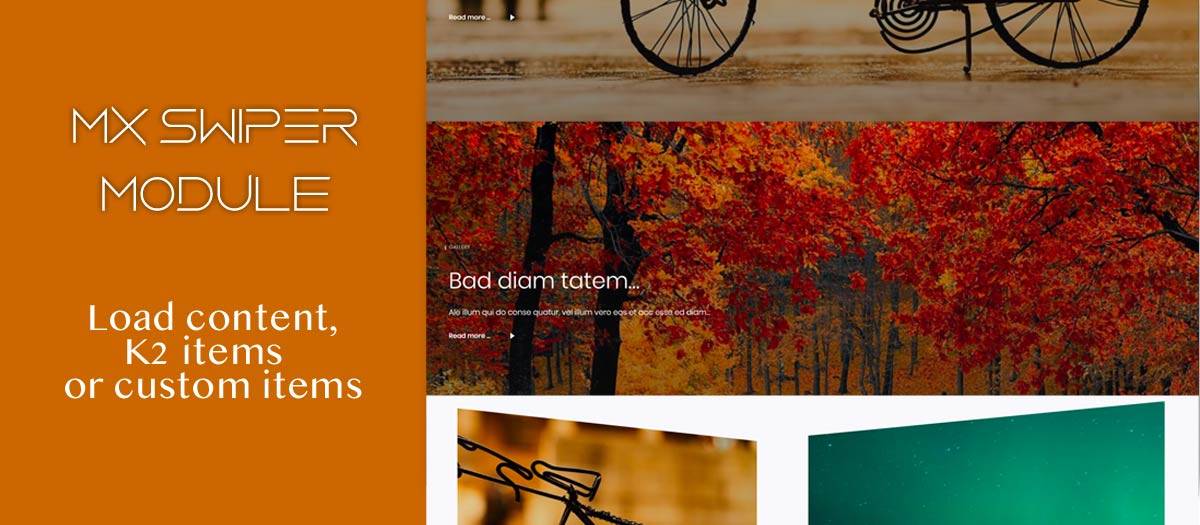
Mx swiper module comes with 5 effects and displays articles content, k2 items plus have the option to create unlimited custom items. In the free version is available only custom items which includes Image Created - author or date Title Info text
Extension Data :
- Compatibility :
- Joomla 3.xYes
- Joomla 4.xYes
- Joomla 5.xYes
- Joomla 6.xYes