
SPPB Section Shortcode
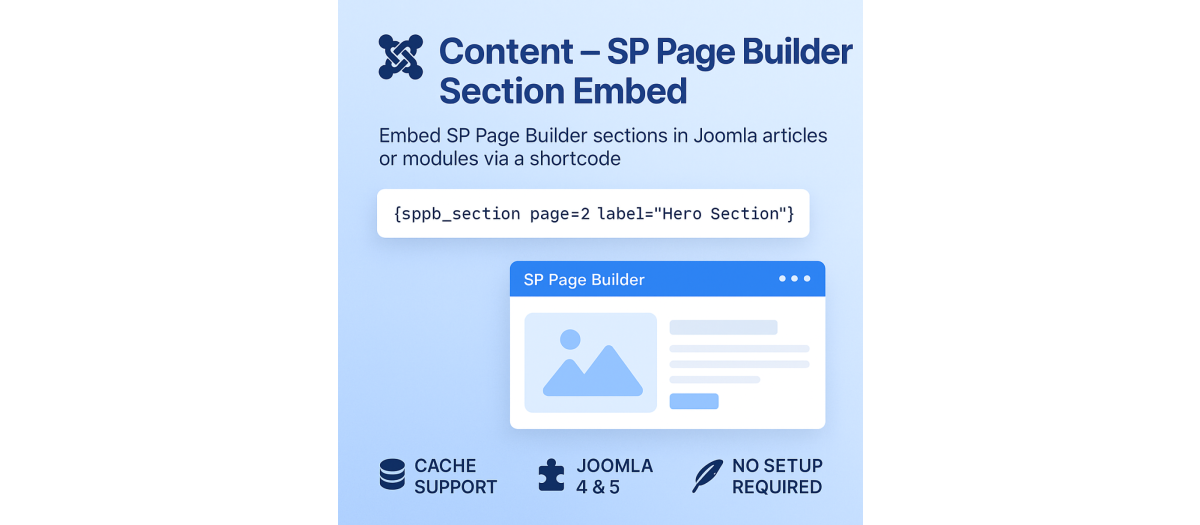
SPPB Section Embed is a lightweight yet powerful Joomla content plugin that allows you to insert any SP Page Builder section directly into your Joomla articles, custom modules, or other content areas using a simple shortcode.
It gives you full control to reuse your beautifully designed Page Builder sections across your entire website — without duplicating pages or rebuilding layouts.
?? Key Features
? Embed any section from an SP Page Builder page using a simple {sppb_section} shortcode.
? Select by Page ID, Alias, Label, Index, or Section ID — whichever is more convenient.
? Cache support for faster rendering and reduced database load.
? Automatic asset injection — all necessary SP Page Builder CSS and JS files are loaded automatically.
? Compatible with Joomla 3.9+, 4.x, and 5.x.
? Full design consistency — sections render exactly as they appear inside SP Page Builder.
? No extra setup required — works immediately after installation and enabling.
How It Works
Once installed and enabled, simply use the following shortcode inside your Joomla article, custom module, or other content editor:
{sppb_section page=2 label="Hero Section"}
The plugin will automatically:
Fetch the specified SP Page Builder page.
Extract only the section you selected (by label, index, or ID).
Insert it seamlessly into your content — with all scripts, styles, and animations intact
Example
By page ID and label {sppbsection page=3 label="Gallery"}
By alias and label {sppbsection alias="home" label="Hero Banner"}
By index {sppbsection page=5 index=1}
By unique section ID {sppbsection page=2 id="sppb-section-1761482810567"}
Display full page content {sppbsection page=7 echofull=1}
Optional parameter:
Parameter Description
page SP Page Builder page ID. (Required if alias not used)
alias Page alias (alternative to ID).
label Admin Label of the desired section (case-insensitive).
index Numeric index of the section within the page (starting from 0).
id Specific section ID or data-row-id.
itemid Optional Joomla menu item ID to inherit styles or modules.
echo_full=1 Outputs the full page instead of a single section.
debug=1 Shows debug info to help locate the target section.
Installation & Usage
Download the plugin and install it via Extensions ? Manage ? Install.
Go to Extensions ? Plugins, find Content – SP Page Builder Section Embed, and Enable it.
Use the {sppb_section ...} shortcode anywhere in your content.
Save and preview your article — your SP Page Builder section will appear instantly.
? Plugin: Content – SP Page Builder Section Embed ? Description
Extension Data :
- Compatibility :
- Joomla 3.xYes
- Joomla 4.xYes
- Joomla 5.xYes
- Joomla 6.xYes

