
Ol Content Gallery
Source
Items limit (at your choice )
Image Type - Intro/ Fulltext / Inline
Source - Categories
Tag Filtering Type
Author Filtering Type
Author Alias Filtering Type
Date Filtering
Featured Articles - Show / Hide / Only featured
Articles to be ordered by - Hits / Title / Id / Tags / Date / Articles Managed Order
Ordering Direction - Ascending / Descending
Basic settings
Show title Yes / No
Title word limit (at your choice )
Show intro text Yes / No
intro text limit (at your choice )
Show read more Yes / No
Show date Yes / No
Show category Yes / No
Show author Yes / No
Custom CSS
Style settings
Style gallery or Isotope
Images parallax for isotope style - Yes / No
Columns ( 6, 5, 4, 3, 2, 1 )
Isotope Style ( color / Zoom / Simple)
Custom Color
Items space ( three choices )
Text Padding ( at your choice )
Gallery Settings
Transition Type - fade/slide
Loop ( Yes / No )
Download button ( Show / Hide )
Thumbnail ( Show / Hide )
Thumbnails by default ( Show / Hide )
Autoplay ( Yes / No )
Autoplay controls( Show / Hide )
Time between transition ( your choice )
Transition duration ( your choice )
FullScreen ( Show / Hide )
Zoom ( Show / Hide )
Mousewheel ( Yes / No )
Share ( Show / Hide )
Extension Info :
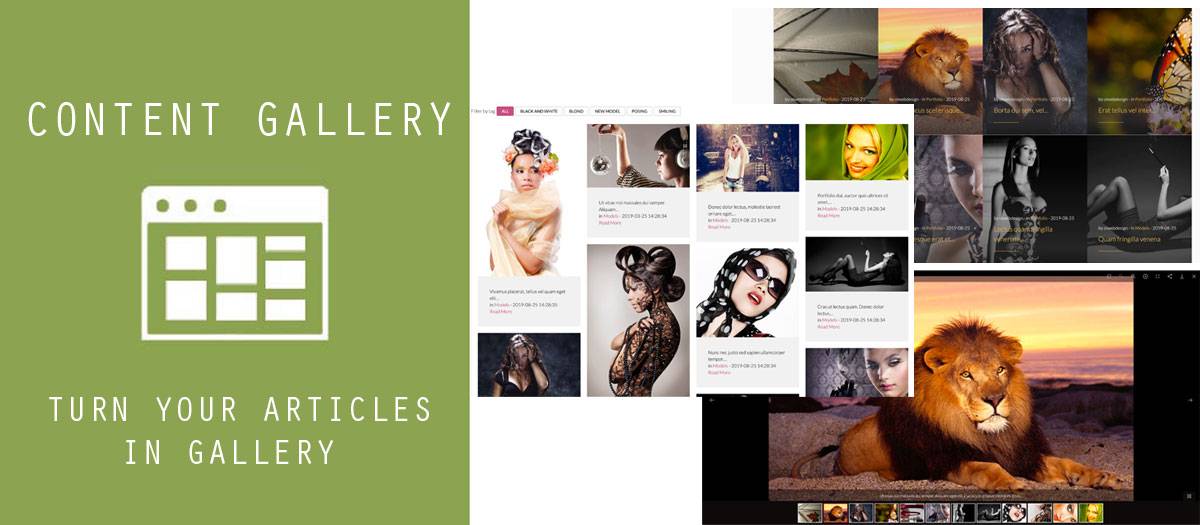
Content Gallery is the easiest way to turn your articles in gallery. In module are included two unique styles - gallery and isotope.
Extension Data :
- Compatibility :
- Joomla 3.xYes
- Joomla 4.xYes
- Joomla 5.xYes
- Joomla 6.xYes

