
Isotope Gallery
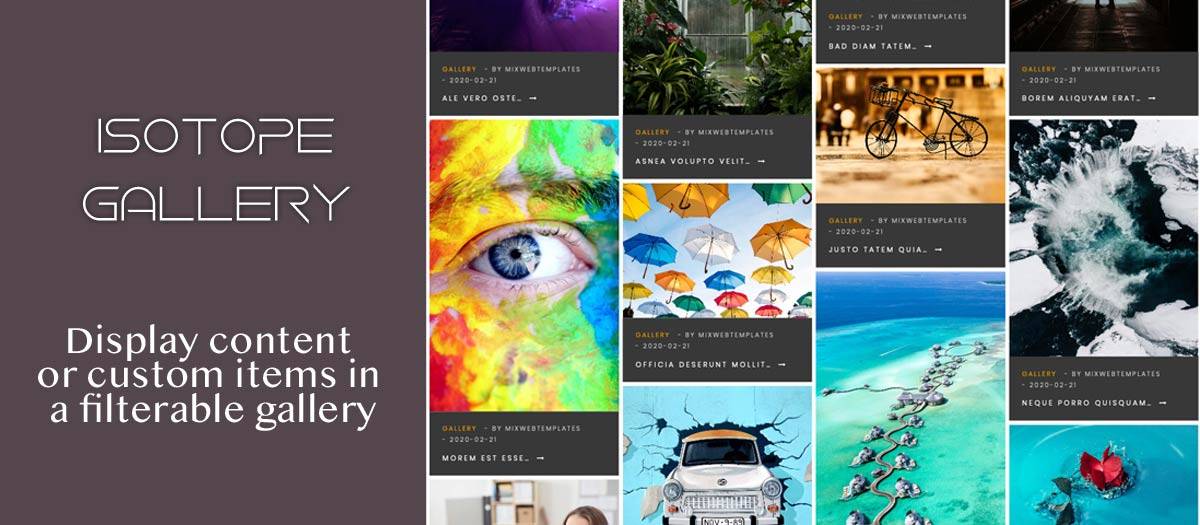
Data Source: Joomla Articles, K2 categories, Folder of image directory or Custom items
Style settings
Layout - Gallery / Isotope
Columns - one / two / three /four / five / six
Style - Light / Dark
Details - On image over / Show default
Color
Parallax effect for  Isotope Layout  ( Yes / No )
Items space - None / Space One / Space Two / Space Three
Gallery Settings:
Transition Type - fade/slide
Loop ( Yes / No )
Download button ( Show / Hide )
Thumbnail ( Show / Hide )
Thumbnails by default ( Show / Hide )
Autoplay ( Yes / No )
Autoplay controls( Show / Hide )
Time between transition ( your choice )
Transition duration ( your choice )
FullScreen ( Show / Hide )
Zoom ( Show / Hide )
Mousewheel ( Yes / No )
Share ( Show / Hide )
Custom css code
Extension Info :
Display articles from one or multiple categories, K2 categories or custom items in a filterable gallery. With Isotope Gallery you can easily transform articles or K2 items into portfolio.
Extension Data :
- Compatibility :
- Joomla 3.xYes
- Joomla 4.xYes
- Joomla 5.xYes
- Joomla 6.xYes

