
Google Maps Image Gallery
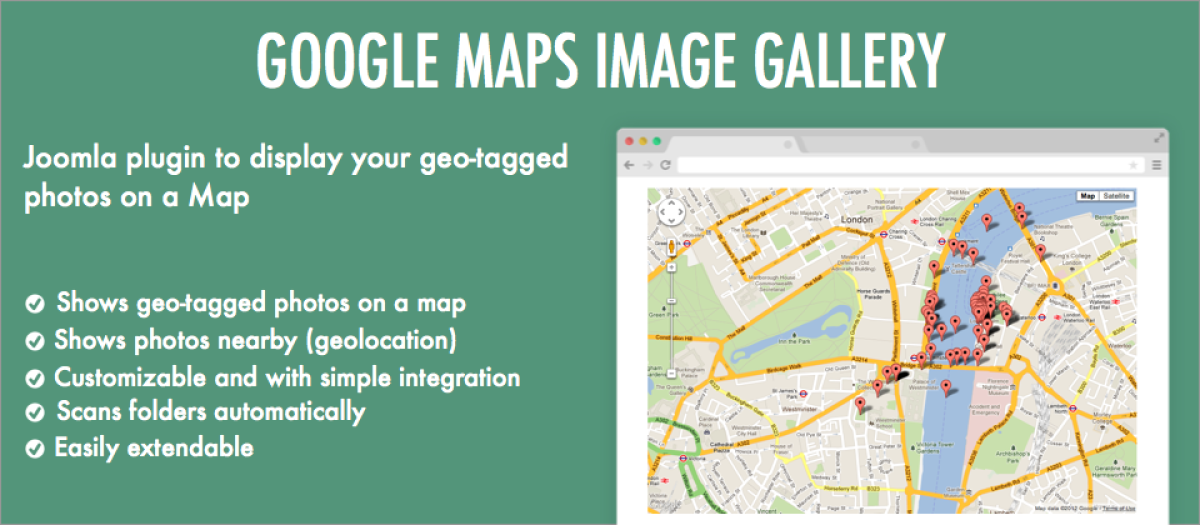
- Display your geo-tagged photos (EXIF) on a Map
- Optionally display your photos organized by folders on a map.
- Uses HTML5 geolocation if available to find the photos near your visitor's location.
- Completely customizable with callbacks and external CSS.
- Simple integration via shortcode
After installing and activating the plugin, you are going to need to get a free Google Maps API key
{exifmap title="This is the title" photos="/images"}
The options available are:
- photos Photos location path, relative to the joomla root folder (required)
- title Title to display above the map (optional)
- search-places Activate the search places input box (optional, default 0)
- scroll-wheel Scroll-wheel map zooming (optional, default 1)
- cluster-pins Activate marker clustering (optional, default 0)
- minimum-cluster-size Minimum number of markers to create a cluster (optional, default 2)
{exifmap title="This is the title" photos="/images" search-places="1" scroll-wheel="0" cluster-pins="1" minimum-cluster-size="5"}
Extension Info :
An image gallery that maps your geo-tagged images on a map. Easy to use, just add a shortcode to any page on your website.
Extension Data :
- Compatibility :
- Joomla 3.xYes
- Joomla 4.xYes
- Joomla 5.xYes
- Joomla 6.xYes