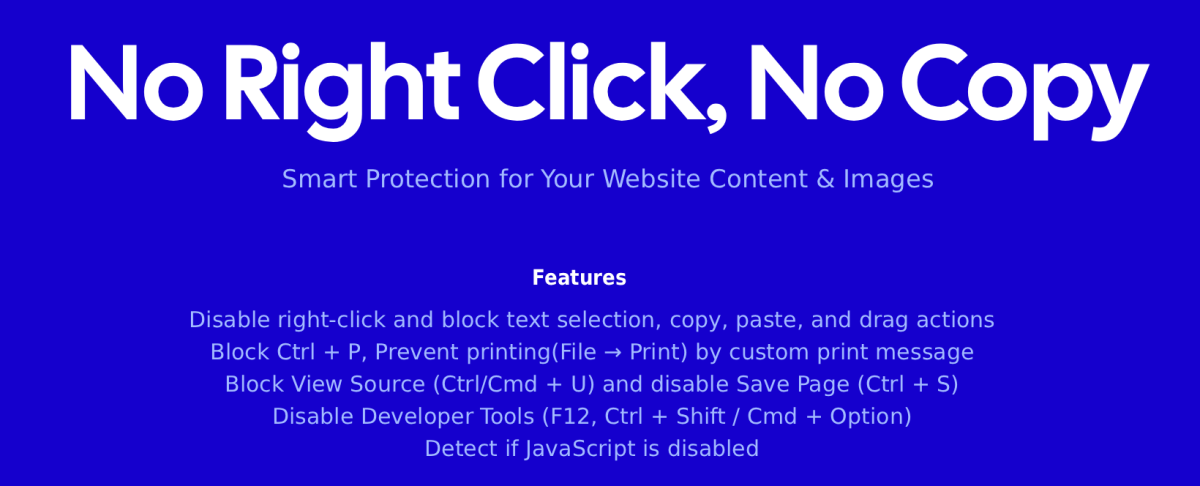
No Right Click, No Copy
It works quietly in the background and does not interfere with normal form usage, visitors can type, copy, and paste inside input fields and text areas.
The module also detects when JavaScript is disabled and can show a custom message or hide the page content, depending on your settings.
This provides the highest level of protection possible using standard browser capabilities.
Simple to configure, lightweight, and compatible with modern Joomla versions.
Features
- Disable right-click menu
- Prevent text selection, copying, pasting, and dragging (Ctrl + A, Ctrl + C, Ctrl + V)
- Block View Page Source shortcuts (Ctrl + U / Cmd + Option + U)
- Block Save Page shortcut (Ctrl + S)
- Block Print shortcut (Ctrl + P)
- Prevents printing using the browser’s Print option (File ? Print)
- Disable Developer Tools shortcuts
- F12
- Ctrl + Shift + I / J / C / K
- Cmd + Option + I / J / C / K
- JavaScript-disabled detection:
- Do nothing
- Show warning message
- Hide page content and show message
- Copy, paste, and typing remain fully functional inside:
- Input fields
- Textareas
- Editable content
- Test mode (with alerts) and Live mode (silent blocking)
- Enable only on the pages you choose
- Lightweight, no external libraries
Support & Updates
? Quick Support
? Timely updates.
Extension Info :
Protects website content, images by blocking copy, right-click, printing, source view, and developer tools. Adds layers of protection.
Extension Data :
- Compatibility :
- Joomla 3.xYes
- Joomla 4.xYes
- Joomla 5.xYes
- Joomla 6.xYes