Moonchip Subscribe to Mailchimp
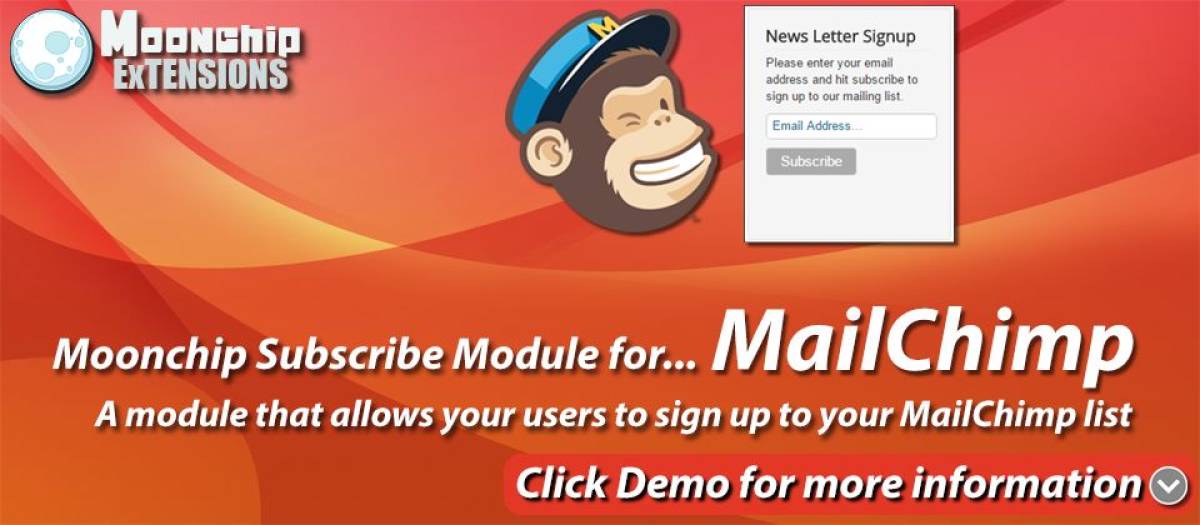
*MailChimp Subscribe module
*Enter MailChimp API and List ID
*Users can sign up through module in front end
Moonchip Subscribe to Mailchimp module is a module that allows your users to subscribe by simply entering their email address.
Simply enable the module and you users can now sign up.
In the backend settings, you can set up the modules MailChimp options.
Enter your MailChimp API key and your MailChimp list ID, you can find these in you MailChimp account.
The pretext is the text that appears above the subscribe box on the module.
The Email text and Subscribe text is the text that appears in the input box and on the subscribe button.
In the front end assign your module to a template position and it should appear with the settings you used.
The pretext you set up should appear above the email input box.
The Email text and Subscribe text will appear in the input box and on the subscribe button.
Once your user enters their email address and hits subscribe they will be sent an email to confirm their subscription.
Please try out the module by entering your email into the newsletter module underneath the login form.
Moonchip Subscribe to Mailchimp https://moonchipextensions.com/all-joomla-extensions/moonchip-subscribe-to-mailchimp
Extension Data :
- Compatibility :
- Joomla 3.xYes
- Joomla 4.xYes
- Joomla 5.xYes
- Joomla 6.xYes