
Microsoft Teams call
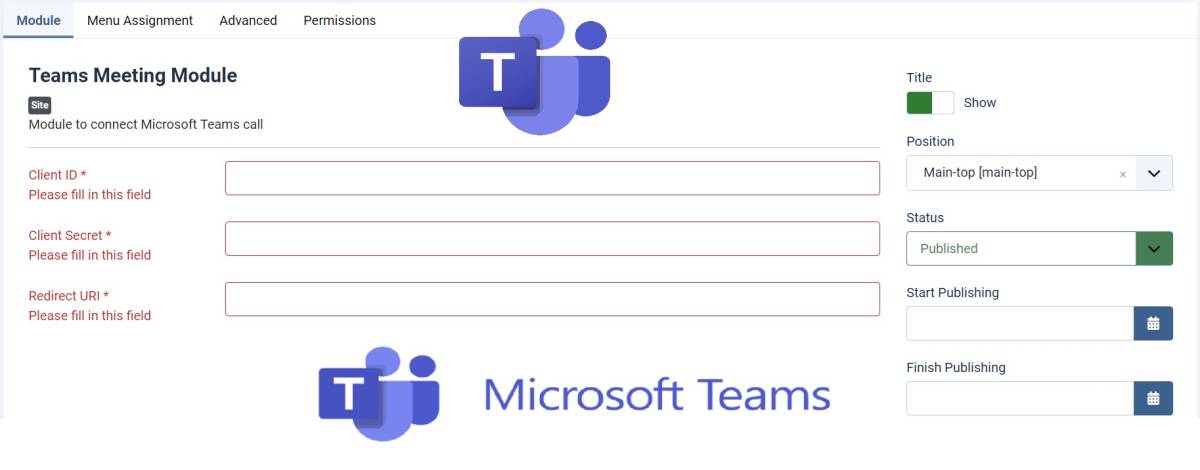
?- Very easy to install and set up on your Joomla website
?- Compatible with all kinds of template
?- Compatible and tested in Joomla versions
?- Simply input the following ( Client ID/ Client Secret / Redirect URI)
??How to Install:
Microsoft Azure App Registration:
You need to register your Joomla site as an application in Microsoft Azure to use Microsoft Graph API.
Visit Azure Portal and create a new app registration.
Configure API permissions for Microsoft Teams (delegated permissions for Calls.AccessMedia.All, OnlineMeetings.ReadWrite, etc.).
Generate client ID, client secret, and redirect URI for OAuth authentication.
Microsoft Graph API:
This API allows you to create meetings, manage calls, and interact with Microsoft Teams resources.
?**Check the product on our website for the complete Instruction on how to Install. **?
Joomla module that connects Microsoft Teams call
Extension Data :
- Compatibility :
- Joomla 3.xYes
- Joomla 4.xYes
- Joomla 5.xYes
- Joomla 6.xYes

