
Disable Scripts
Extension Info :
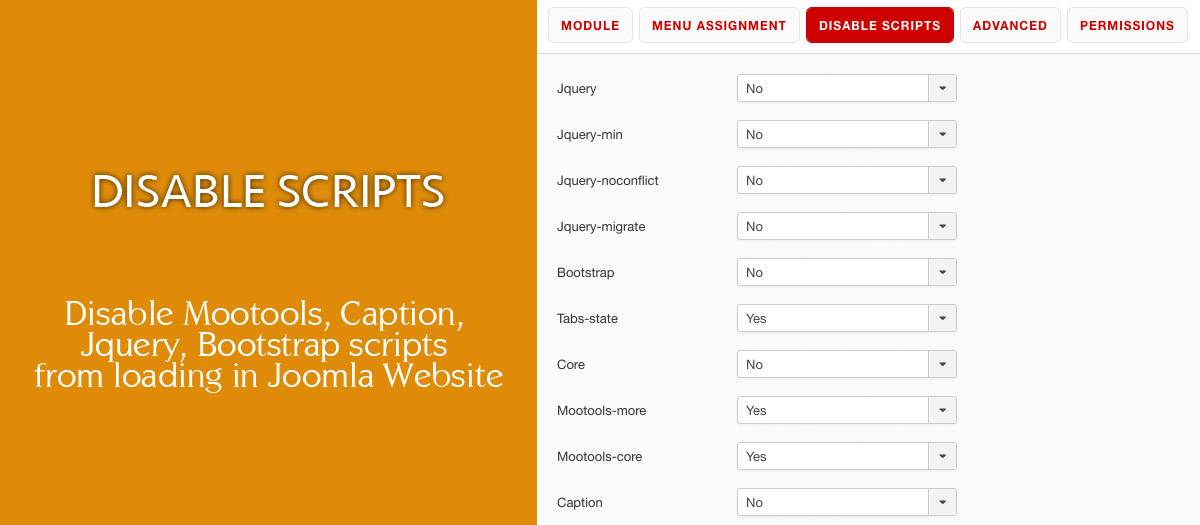
Disable Jquery, Mootools, Caption, Bootstrap scripts from loading in your Joomla Website. Is very easy to use it. Download the module and in joomla backend install it. In Extensions - Module and click on Disable scripts module. Select a module position from the list of your current template, Show Title = Hide and Status = Published. In "Menu Assignment" select the pages you want to unload them. In "Disable scripts" tab, select which scripts you want to disable on those pages. Save the settings.
Extension Data :
- Compatibility :
- Joomla 3.xYes
- Joomla 4.xYes
- Joomla 5.xYes
- Joomla 6.xYes

